
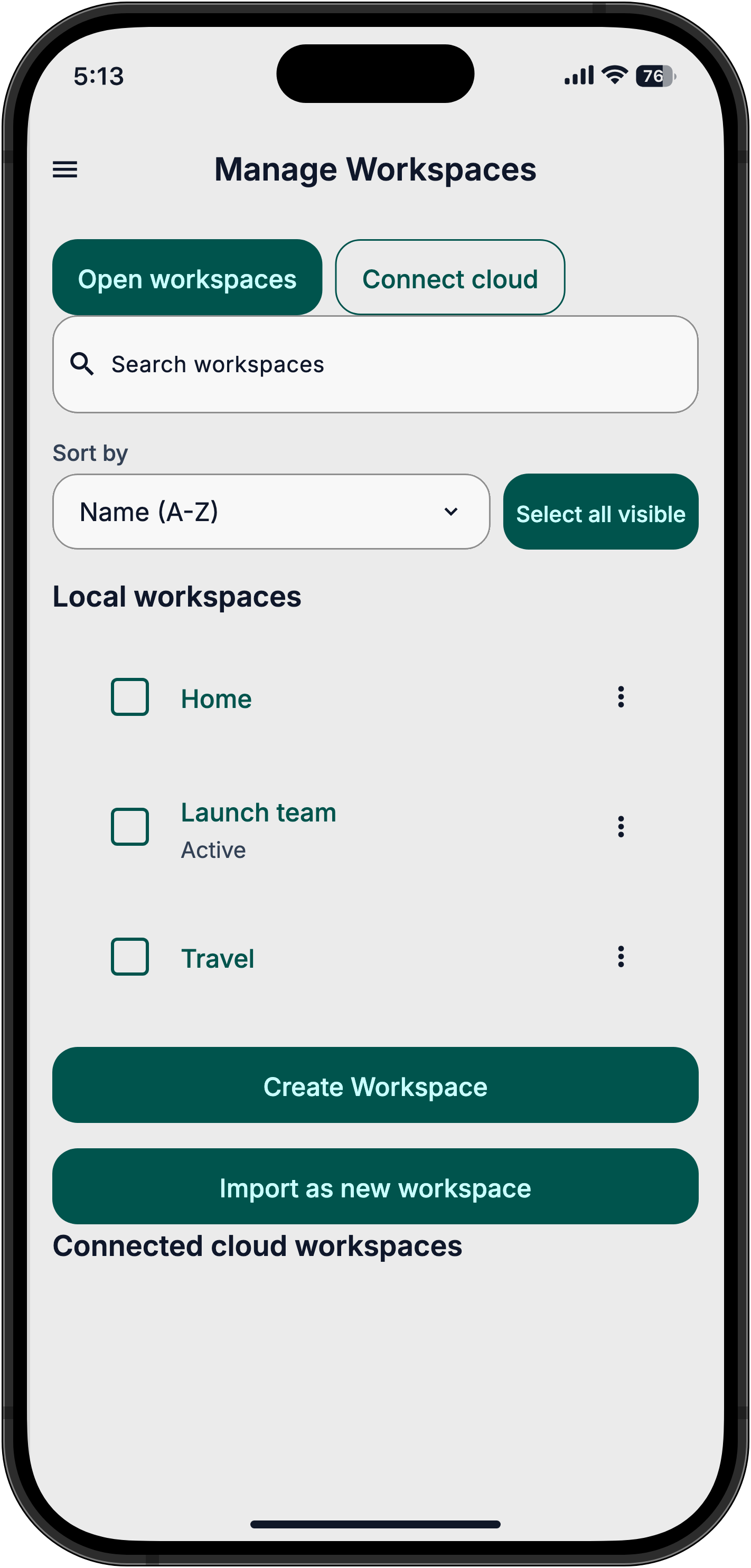
Keep projects separate
Keep work, home and travel in separate workspaces, each with its own conversations, agents, connections and settings.
Free beta for iPhone, iPad and Android
Turn scattered notes into a plan and conversations into tasks. Connect your apps, describe the result you want, and let AuraVibes help get the work done. No coding required.
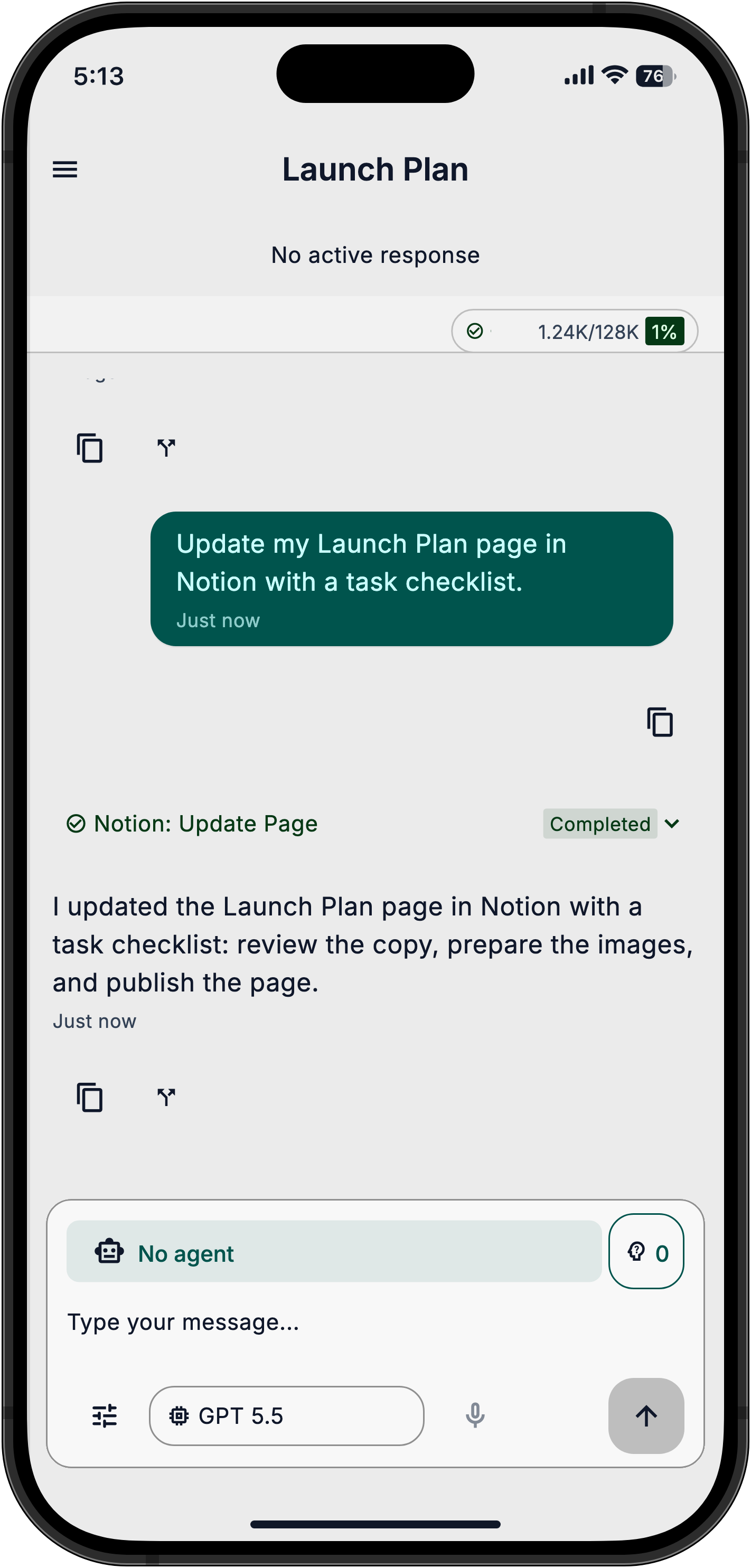
Ask for the outcome, not a set of instructions to follow yourself. Start with a task that uses your notes in Notion.
These examples use a connected Notion account. Photos need a compatible AI model. Screenshots show fictional demo data, not completed work in a real account.
We want to help you manage calendars and email, fill in forms, research a topic, and handle recurring work chores through connected tools. These are product goals, not a list of available beta integrations. Start with the Notion setup shown here.
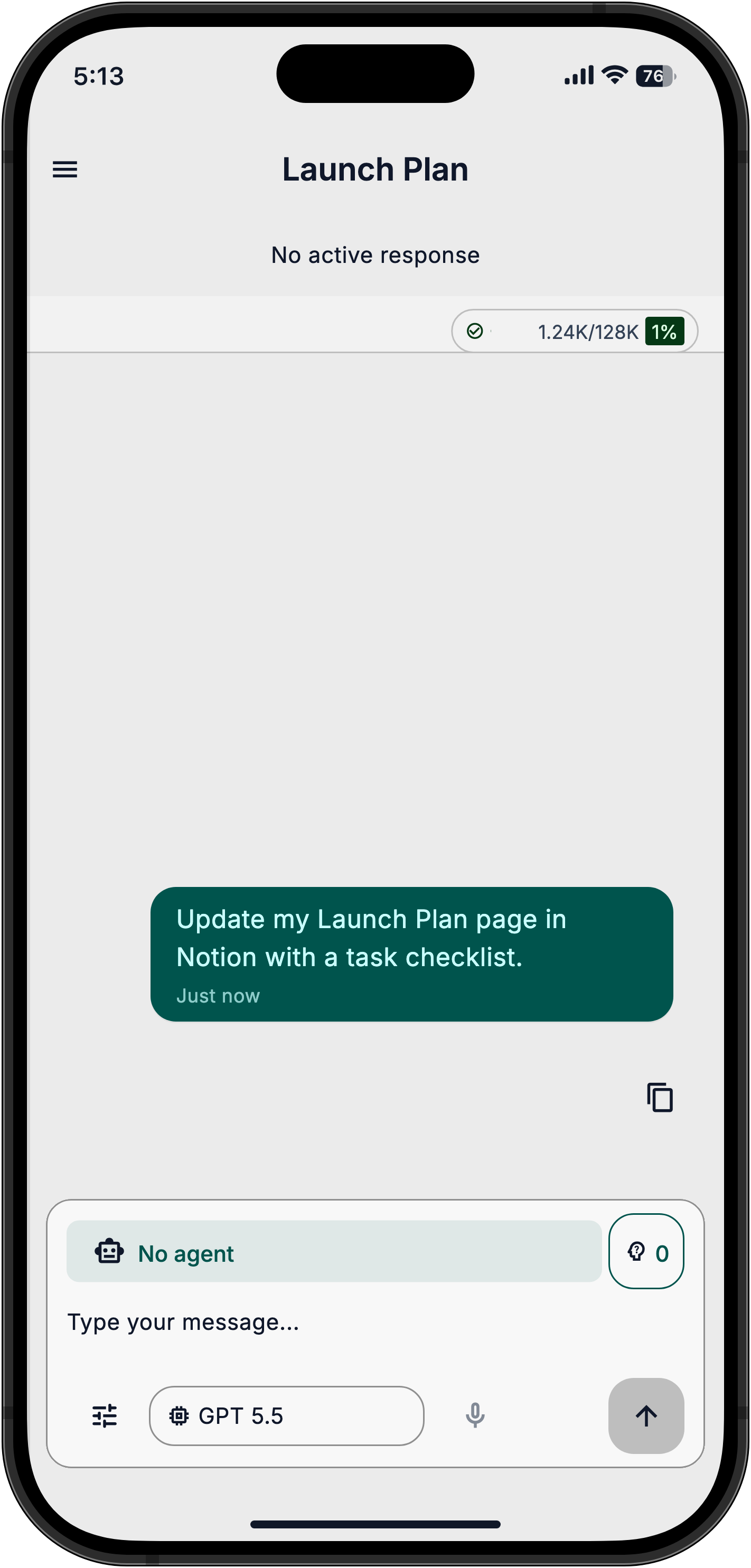
Type what you need in your own words. No commands to memorize.
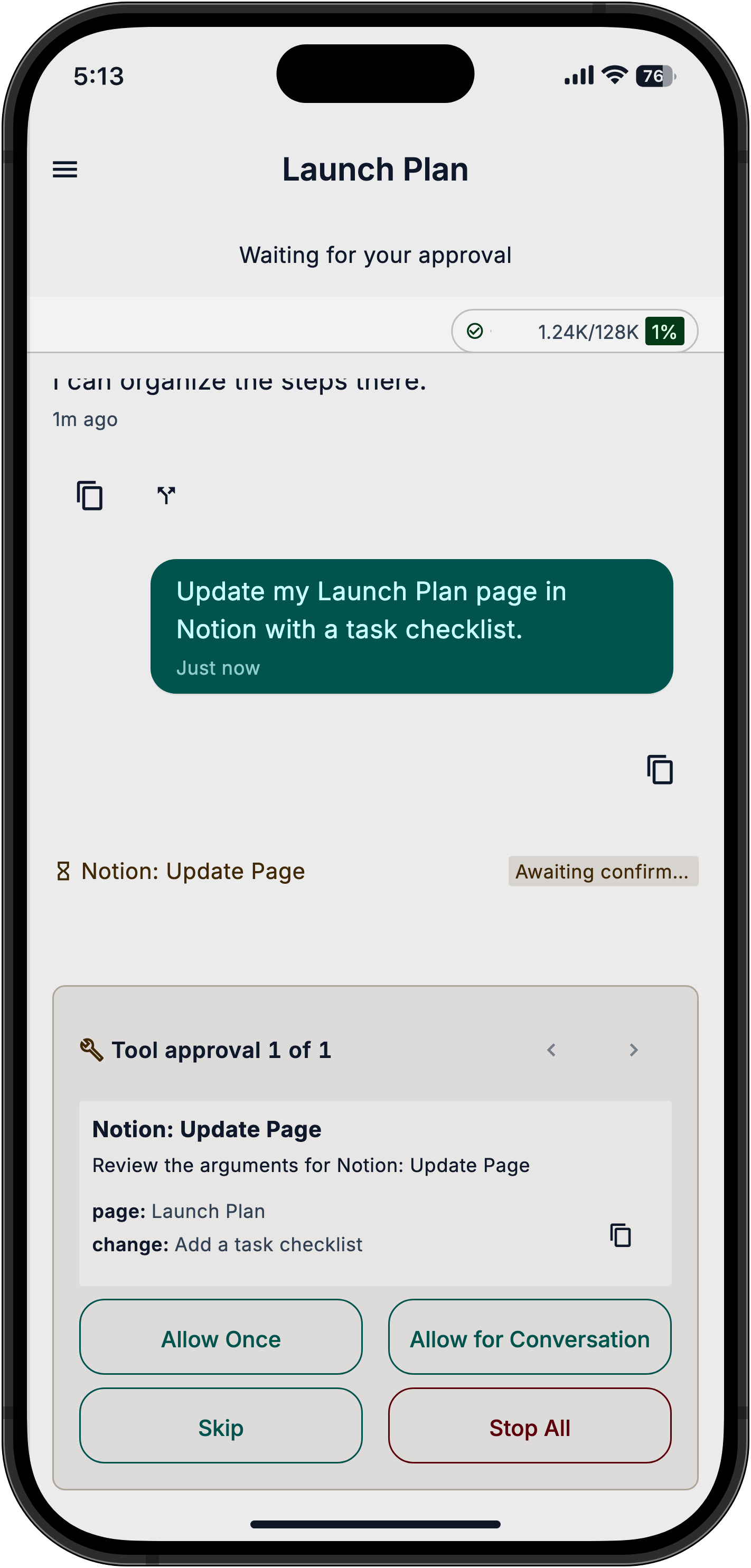
When a tool asks for permission, review the proposed action and choose whether to allow it.
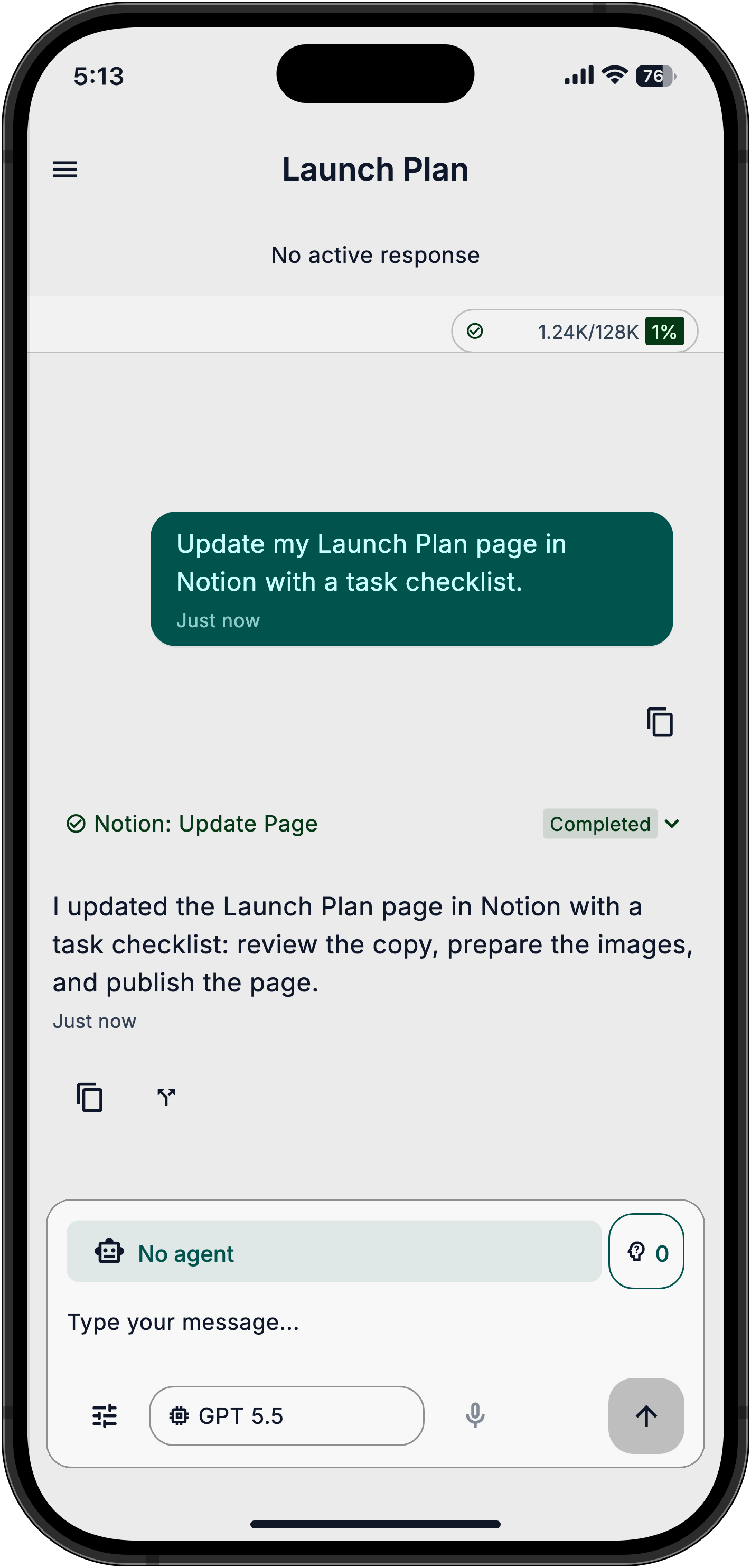
Review the result in the chat and check your connected app. If a task is incomplete, ask what still needs to be done.
Connect your AI and Notion, then choose a task to try. Follow the setup guide
Keep work, home and travel in separate workspaces, each with its own conversations, agents, connections and settings.
Reuse an agent with instructions and selected skills for recurring work. A skill gives the AI guidance for a particular task.
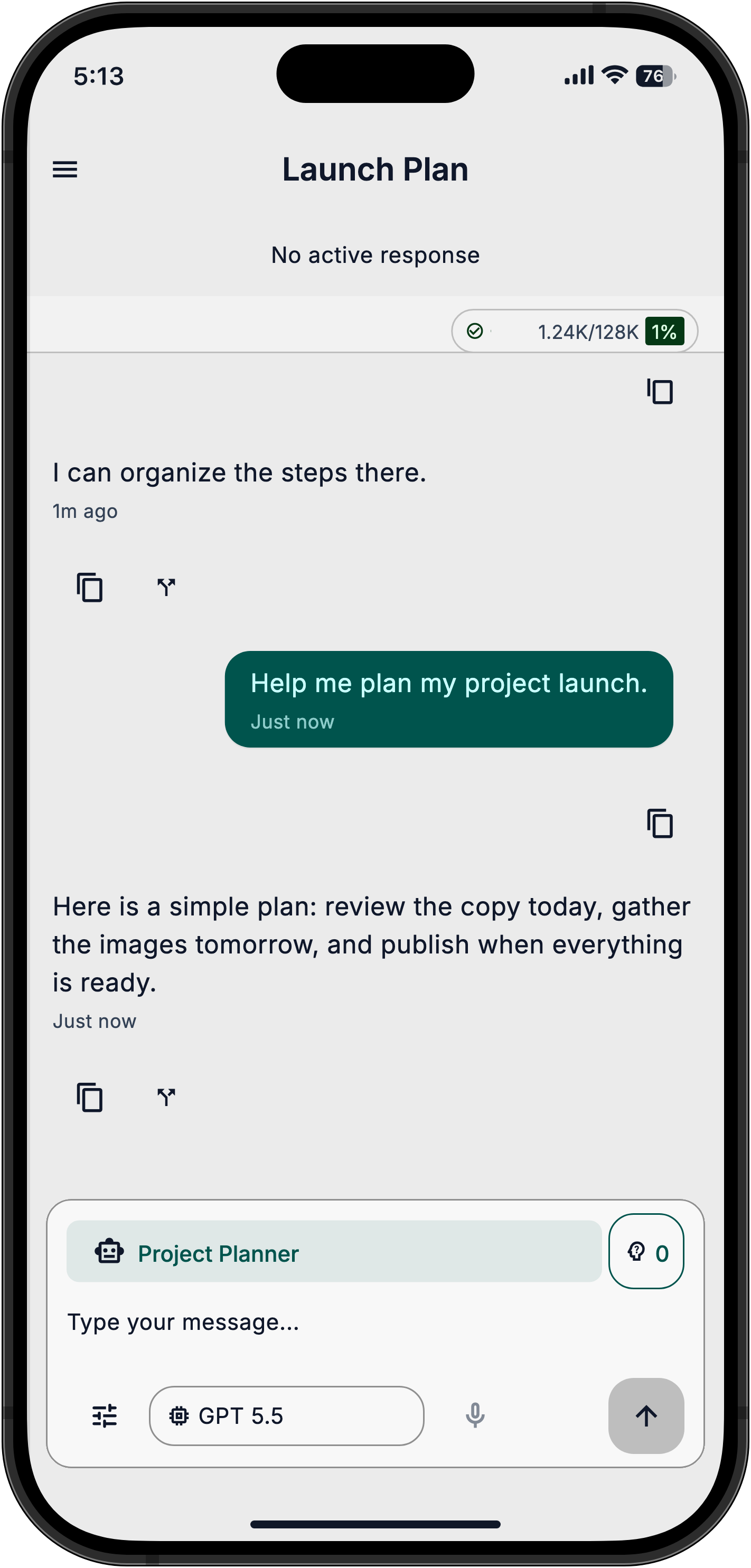
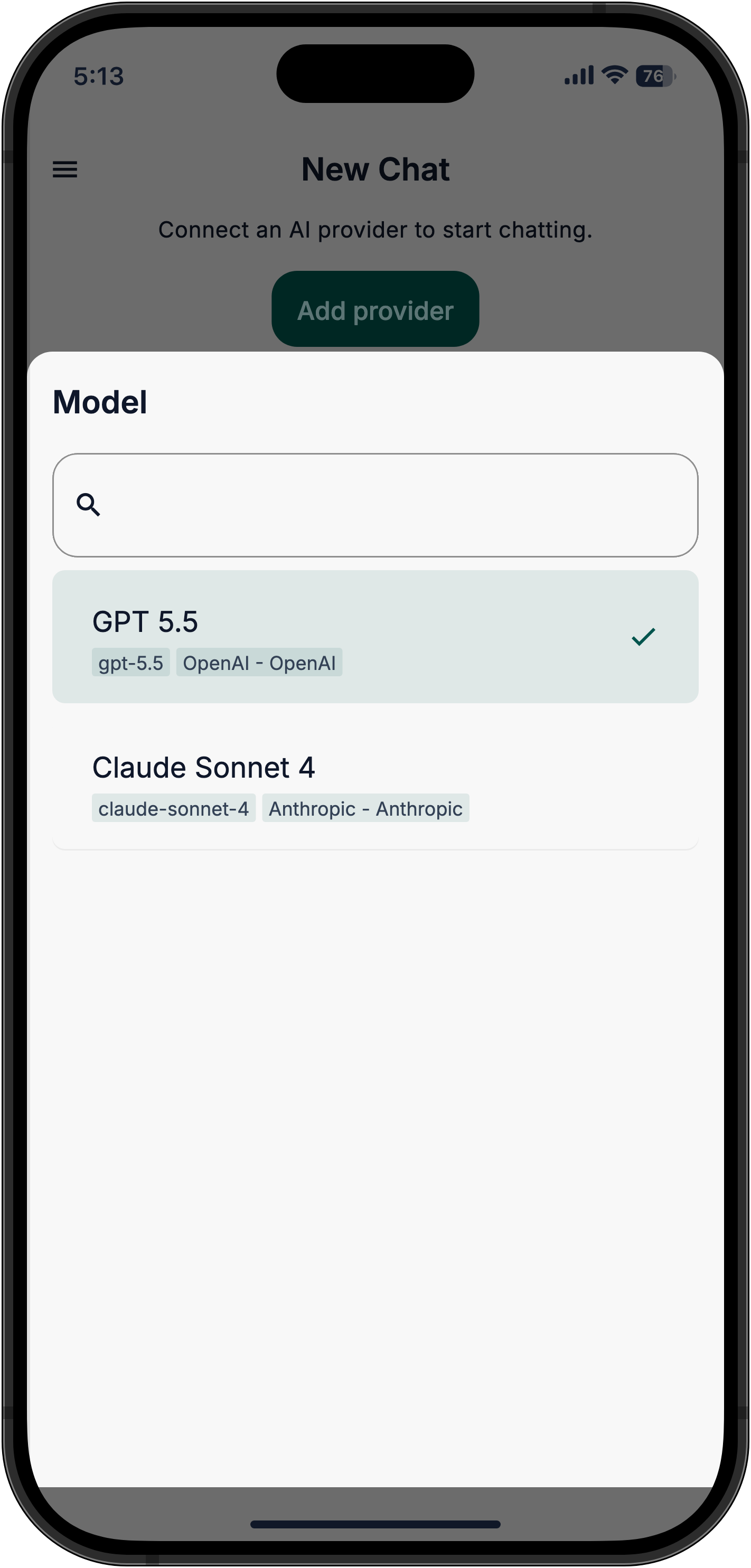
Choose a connected AI model for the task when you start a conversation. Keep the same workspace and tools.
Tool permissions control which actions need approval. When prompted, choose what to allow, skip, or stop.
Local workspace keys are encrypted on your device. Cloud workspaces send content and credentials to the server you connect; credentials are encrypted there. Connected services receive the information needed for your requests.
The current beta uses your own OpenAI, Anthropic or OpenRouter account. You pay the provider for what you use.
Use separate spaces for home and work, each with its own apps, chats and settings.
Still have a question? Contact support
No. Describe the work in everyday language. The current beta needs your own AI provider key and a connected app. Our setup guide starts with Notion.
The current beta is free, but AI usage is billed separately by your own provider. Set a spending limit with your provider. Future pricing has not been announced.
Start with Notion using our guided setup. Other connected apps may work, but we have not yet tested them end to end.
Local workspace data stays on your device. Cloud workspaces sync content and store encrypted credentials on the server you connect. Requests and tool results go to your chosen AI provider; connected apps receive information needed for allowed actions. Beta builds may send technical analytics and automatic error reports, with the notices and controls described in our privacy policy. No ads or sale of your data.
The beta is for iPhone and iPad (iOS 15 or newer) and Android. Mac, Windows and Linux versions are on the way.
It's a private code you create with an AI provider to use your own account in AuraVibes. The setup guide shows where to get one.
Yes. The app is available in English and Spanish.